Speech-to-Text with Vosk
Vosk is a good alternative for VibeKeys users who do not want to depend on Whisper or a cloud speech-to-text API. It is a simple way to enable voice input in remote control mode.
What is Vosk
Vosk is an open source speech recognition engine that can run speech-to-text locally. In vibetty, the Vosk option is available as WebVosk, which runs speech recognition in your browser instead of sending audio to a server-side Whisper API.
For VibeKeys, Vosk is useful when:
- you do not want to use Whisper
- you do not want to use a remote transcription service
- you want speech-to-text that does not require an API key
- you prefer speech recognition to run in the browser with Vosk models
How to enable Vosk for speech-to-text
Start vibetty with the WebVosk ASR platform enabled:
ASR_PLATFORM=web_vosk cargo run -- -- claude
If you are using a compiled binary, set the same environment variable before starting vibetty.
Then open the WebVosk interface in your browser:
http://localhost:3000/vosk
The first time you use WebVosk, your browser downloads the required Vosk model files. The initial download is about 40 MB per model, and the models are cached in your browser after that.
After the model finishes downloading:
- Keep
vibettyrunning withASR_PLATFORM=web_vosk. - Open
http://localhost:3000/vosk. - Allow microphone access in the browser if prompted.
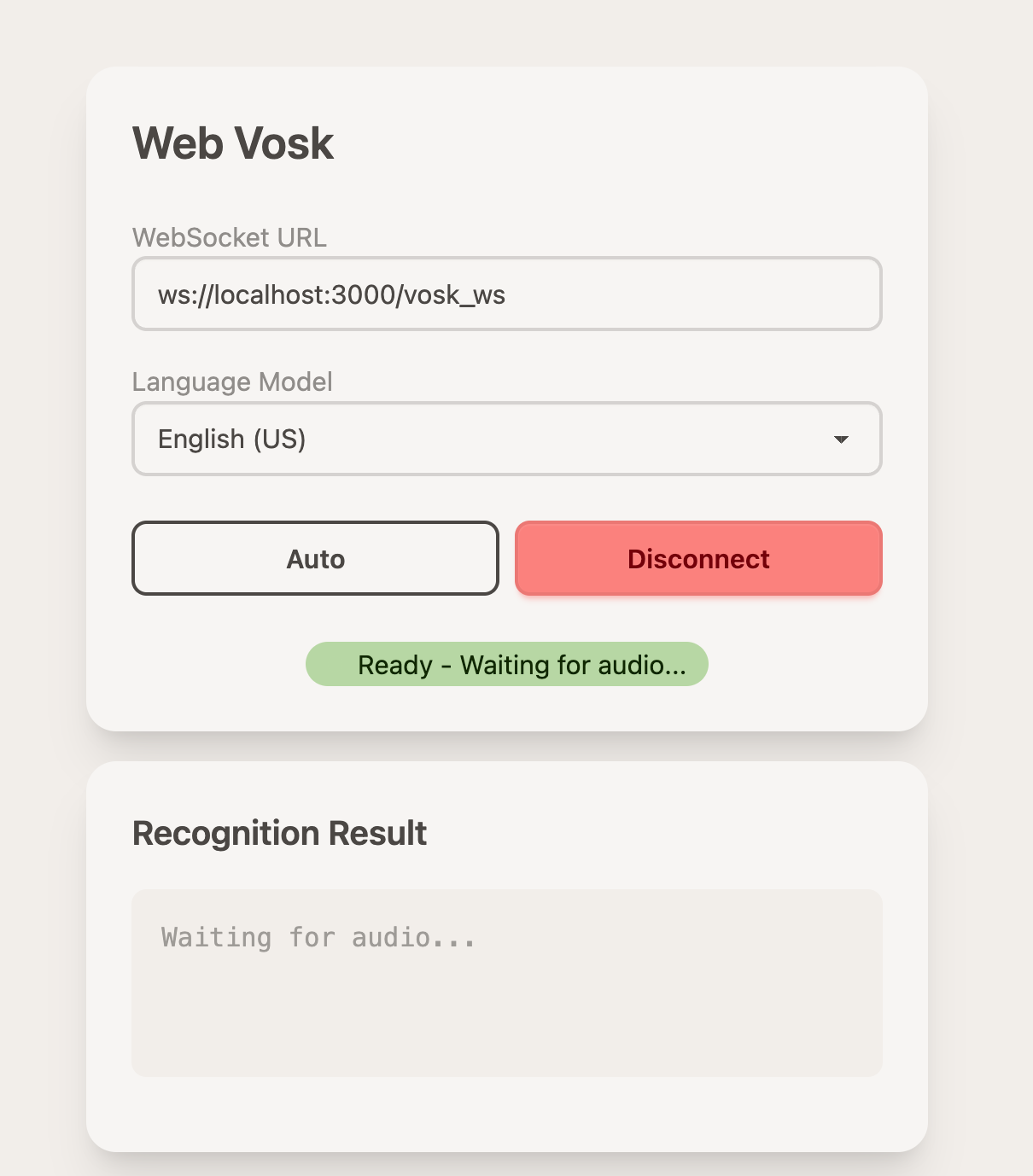
- Click
Connectin the WebVosk page. - When the page shows
Ready - Waiting for audio..., press theVoicebutton and start speaking.
If your current setup uses Whisper variables such as ASR_API_KEY, ASR_URL, and ASR_MODEL=whisper-large-v3, you do not need them for WebVosk. Use ASR_PLATFORM=web_vosk instead.
Choose Vosk if you want a simple local speech-to-text setup. Choose Whisper if you want higher transcription quality and already have a supported model or API available.
Reference
These steps are based on the vibetty README section for WebVosk browser-side setup: