VibeKeys Max Quick Start
VibeKeys Max is an AI coding keypad built for developers who work with coding assistants such as Claude Code.
Firmware v0.4.0 and vibetty 0.4.x are a matched pair: they speak a new MQTT-based protocol, and v0.4.0 is not compatible with earlier versions. Make sure your device runs firmware v0.4.0+ and your computer runs vibetty 0.4.x.
Still on firmware 0.3.x? Use the legacy setup page at vibekeys.dev/setup03, keep using vibetty 0.3.x, and switch to the 0.3.x docs with the version dropdown at the top of this page.
Choose Your Mode
When VibeKeys Max starts up, a boot menu offers three entries — Keyboard, Remote, and Setting. Move with the NEXT key, go back with ESC, and confirm with ACCEPT.
Keyboard Mode (Default)
Best for: Direct input workflows, coding at your desk, real-time status updates from Claude Code.
In keyboard mode, VibeKeys Max acts as a Bluetooth keyboard with custom shortcuts. Select Keyboard in the boot menu, connect over Bluetooth, and get instant real-time status updates on your device screen.
Features:
- Bluetooth connection (no WiFi needed)
- Real-time Claude Code status on screen
- Keyboard shortcuts and macros
- Optional: Claude Code status integration with plugin
- Great for staying focused at your desk
→ Start with Keyboard Mode
Remote Control Mode
Best for: Distance coding, demos, reviews, or hands-free voice control — from anywhere with WiFi.
Select Remote in the boot menu. In remote control mode, VibeKeys Max connects to your computer through an MQTT broker — no port on your PC needs to be exposed — and lets you drive Claude Code or OpenAI Codex with voice input and physical controls. The companion program vibetty shares your terminal sessions, and every session you're running shows up in an on-device picker, one knob-turn away.
Before first use, configure WiFi and the MQTT broker URL on the setup page.
Features:
- Works from wherever you are — office, café, or phone hotspot
- All your agent sessions on one screen, with live working/waiting status
- Voice input with built-in speech recognition (streamed to a Whisper endpoint you configure)
- Full remote control of Claude Code or OpenAI Codex
→ See Remote Control Mode to learn more
Identify Your Version
VibeKeys Max has two hardware versions. They share the same software and features — the only difference is the screen size and firmware file.
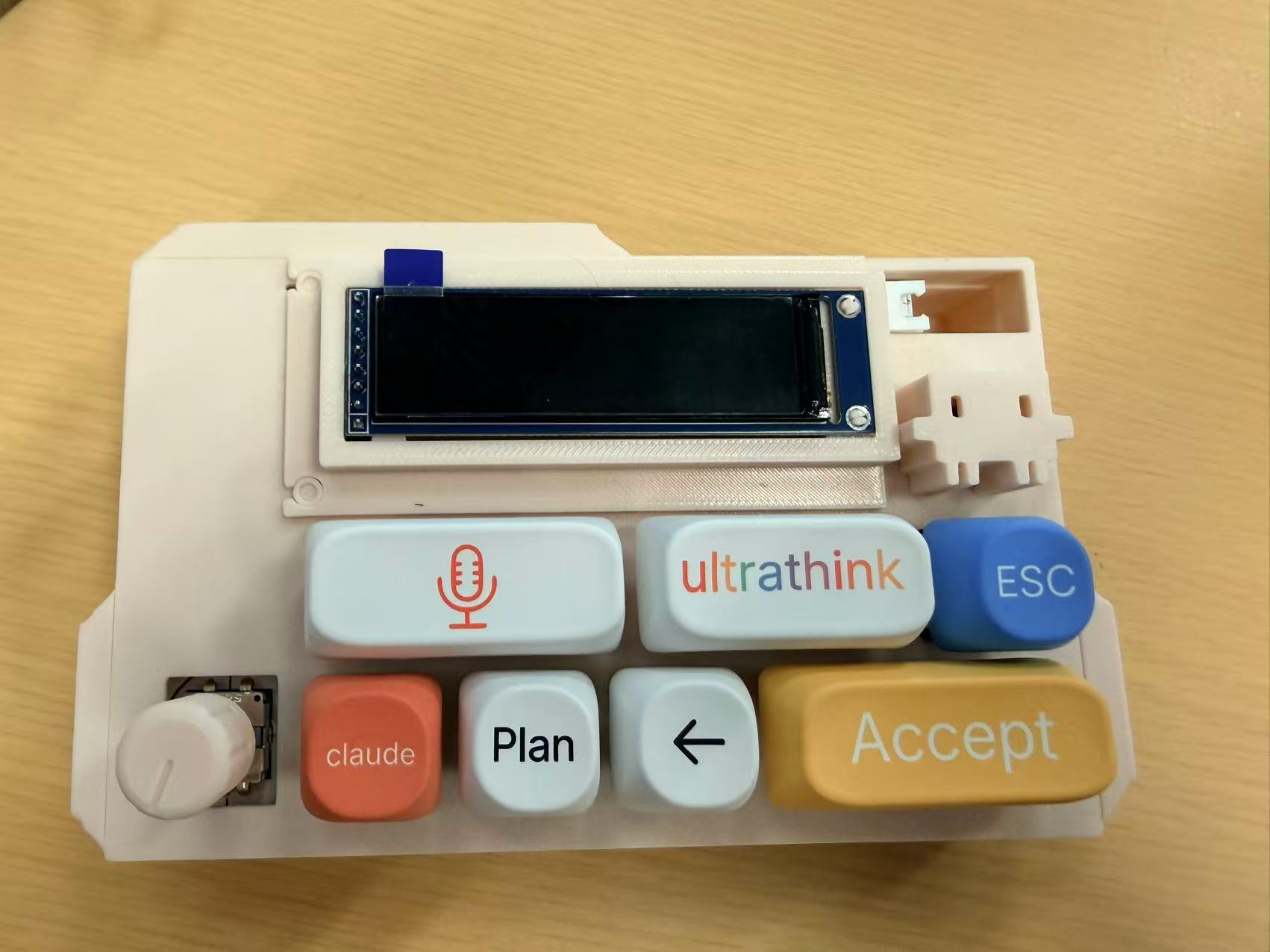
V1 — wider, squarish screen
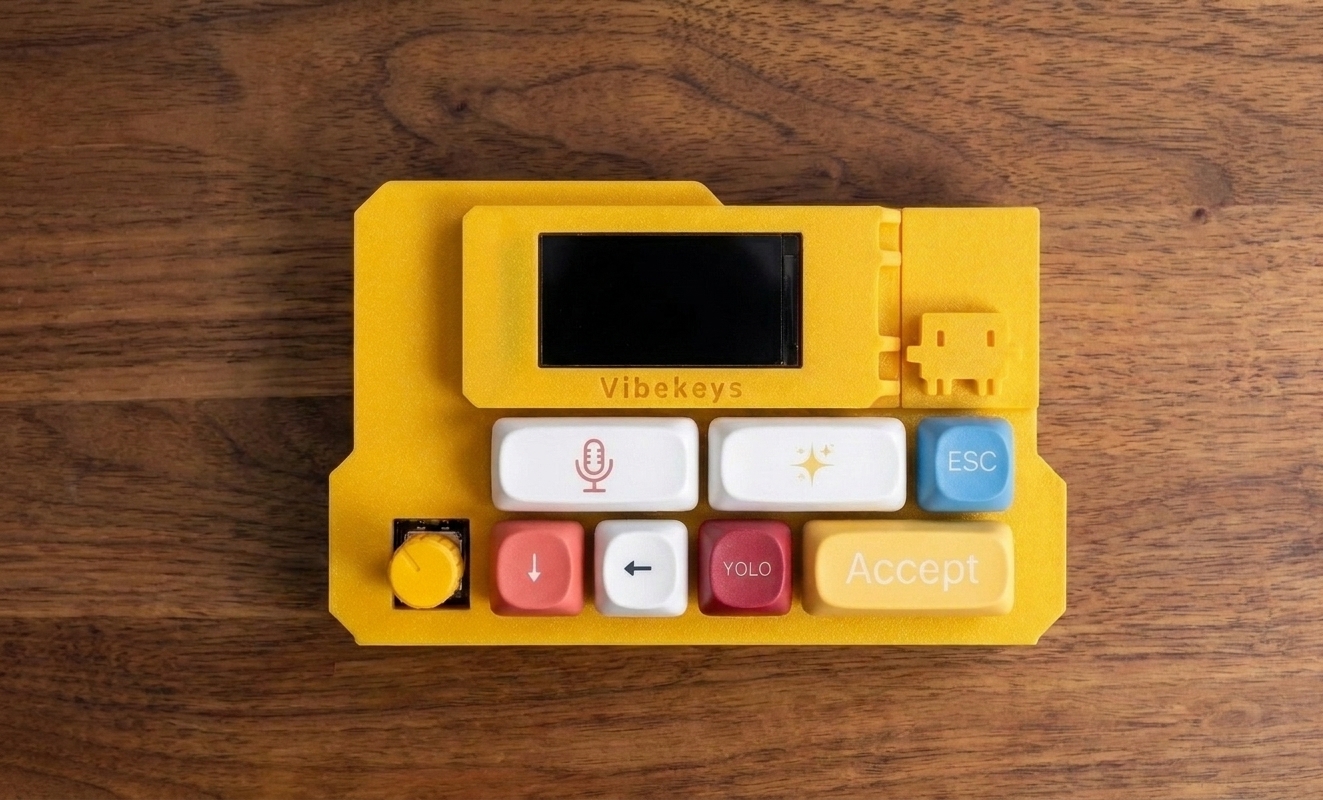
V2 — narrower, taller screen
| V1 | V2 | |
|---|---|---|
| Screen | 1.69" (240×280) | 1.47" (172×320) |
| Full firmware image | vibekeys.bin | vibekeys_max2.bin |
| OTA image (devices already on 0.4.x) | vibekeys_ota.bin | vibekeys_max2_ota.bin |
All other hardware, software, and features are identical between V1 and V2. The only difference is the screen and firmware file.
Demo
Watch this demo to see VibeKeys Max remote control mode in action: